From Aja's journal
How to Use MeditationMinutes
By Aja Humm
Hi, and welcome. A few people have asked me how it all works, so I thought I would write it down in one place. It is simpler than it looks, and there are a couple of small tricks that make it much nicer to use.
Start with a listen
You do not have to buy anything to get started. Welcome & Foundations and The Healing Garden are free, and every paid track has a short preview, so you can hear my voice and the violin before you decide. Press play on any card on the sessions page and you are in.
Headphones are lovely for most of them. The Healing Garden in particular is made to be listened to with earphones.
You own it, for life
When you buy a meditation, you do not rent it and you do not subscribe to it. You buy it once, for a few dollars, and it is yours to keep and listen to for the rest of your life. You can play it every night for ten years if you like. There is nothing to renew and nothing that disappears.
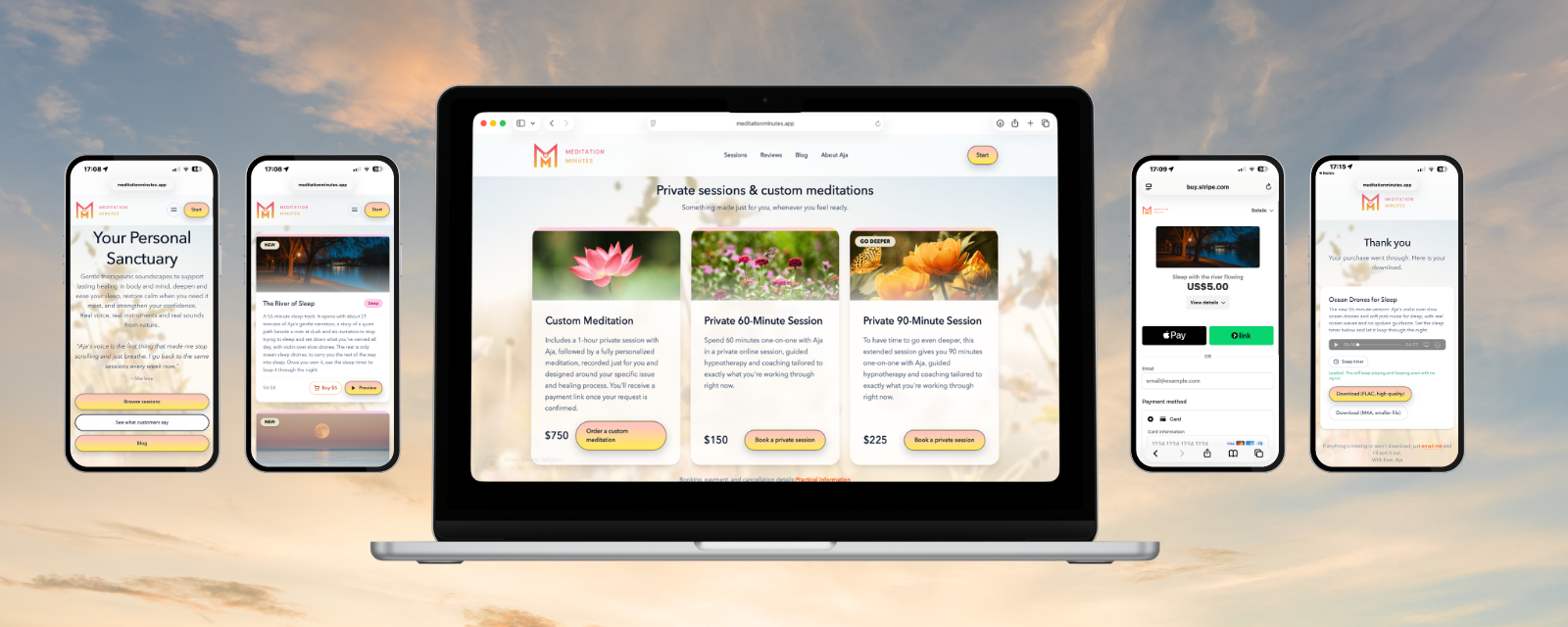
After you pay, you are taken straight to a thank-you page with your download. That page is the key to everything below, so it is worth taking a minute to look after it.
Keep your thank-you page
The thank-you page is not just a receipt. It has a player, the download buttons, and the sleep timer, which lets you loop a track for exactly as long as you want, from a short stretch to the whole night. If you ever want to use the timer again, this is where it lives.
So before you close it, save it. The simplest ways:
- Add it to your home screen. On iPhone, open the page in Safari, tap the Share button and choose "Add to Home Screen". On Android, open the menu in Chrome and choose "Add to Home screen". You get an icon that opens your track like an app.
- Bookmark it. Make sure you save the full address, the one that ends in ?track= and the name of your meditation, so it opens your track directly.
- Send the link to yourself. Email it to yourself or paste it into a note you will find again. Then it is on every device you own.
If you do lose it, write to me at help@ajahumm.com and I will happily send it again.
Using the sleep timer
On the thank-you page, press Load track once. It downloads the whole track to your phone, and from then on it plays and loops even with no signal at all, like in flight mode. Then open the sleep timer, choose how long you would like it to run, and put the phone down.
A small tip: do the loading while you are on Wi-Fi, before you get into bed, so that nothing has to buffer in the middle of the night.
Or just keep the file
If you would rather not rely on a web page at all, you can keep the file itself. Each purchase comes with two downloads:
- M4A is the smaller file and works everywhere. This is the easy choice for your phone.
- FLAC is the high quality version, for anyone with good headphones or a proper stereo, and for keeping a perfect copy.
On most phones the file lands in your Files app (iPhone) or your Downloads folder (Android). Put it wherever is most convenient for you: your music app, iCloud Drive, Google Drive, or just a folder on your computer. Having it in two places is a nice idea, because then it can never be lost. The only thing you will not have with a plain file is the built-in sleep timer, so many people keep both.
A few small things that help
- Get comfortable first. Lie down or sit in a supported position, close your eyes, and let your shoulders drop before you press play.
- Choose a regular moment. The more often you use the same track at the same time, the faster your body learns that this sound means it is time to let go.
- Switch on Do Not Disturb. Then no message lights up the room in the middle of a meditation.
- Falling asleep is allowed. If you drift off in the middle of a guided meditation, that is not a failure. It is the body saying thank you.
- Listen more than once. Most of these meditations get deeper the second and third time, when you no longer need to follow along.
- Not while driving. Save them for a time when you can safely close your eyes. On a bus, train or other public transport, though, they are a lovely way to relax on the way.
If something is not working
If a download will not open or something looks missing, just write to help@ajahumm.com. It is me who reads it, and I will sort it out.
I hope you find your quiet moments here.
Aja
Find your first meditation
Start with a free track, or preview any of the others in 20 seconds.
Browse sessions